
Quick answer
A HashMap load factor controls when the internal table resizes. The default 0.75 is usually the right balance between memory usage and lookup performance.
Most backend code should not change the load factor. If you know the map will hold many entries, setting a reasonable initial capacity is usually more useful than changing the load factor.
What load factor means
In Java, a HashMap load factor controls how full the internal table can become before the map resizes. It is a tradeoff between memory usage and collision risk.
The resize threshold is:
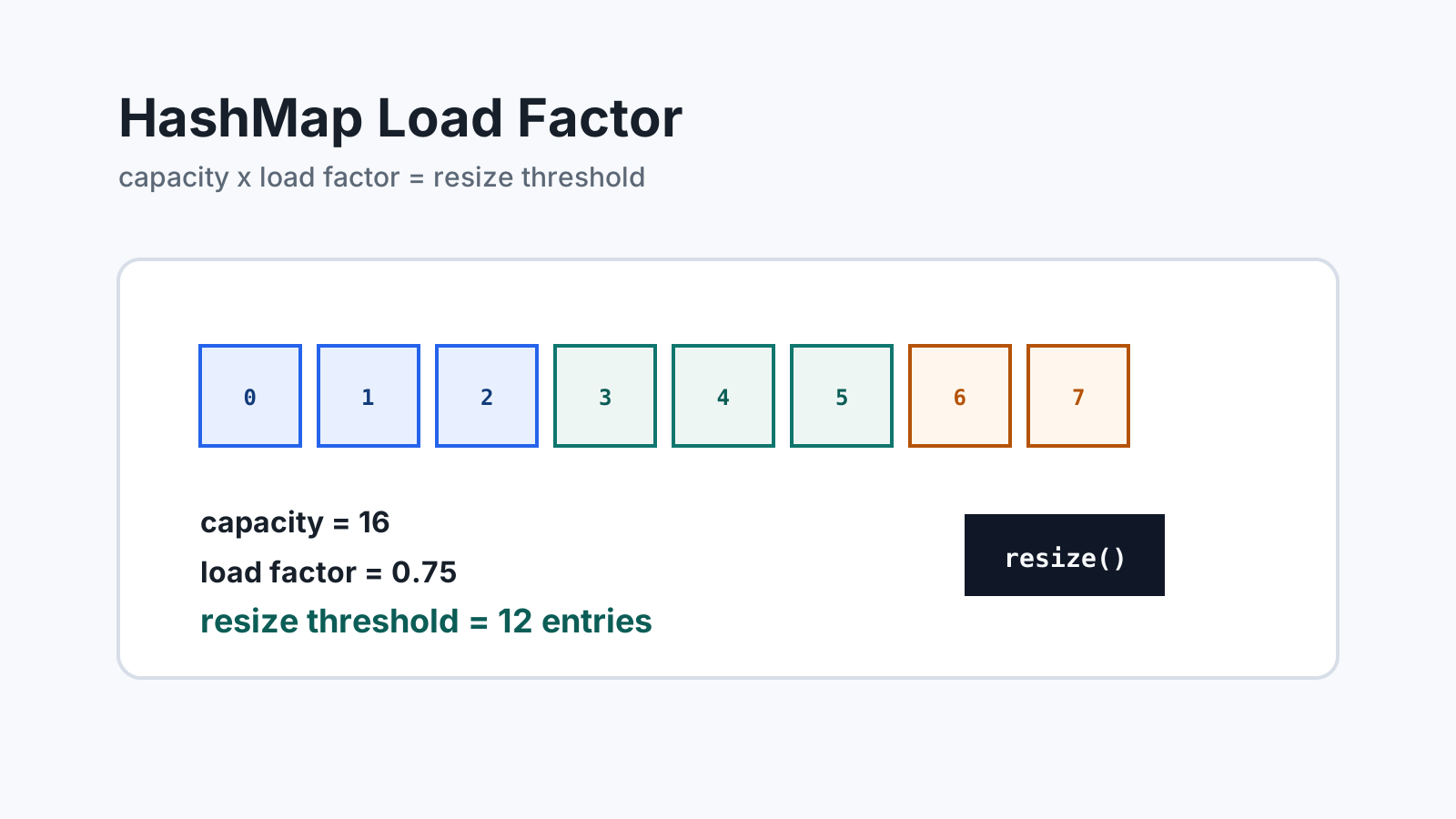
capacity x load factorIf a map has capacity 16 and load factor 0.75, the resize threshold is 12. After the number of entries crosses that threshold, the map grows its internal table.
Why the default is usually good
The default load factor is commonly a good balance for application code. A lower load factor leaves more empty buckets, which can reduce collisions but uses more memory. A higher load factor packs more entries into the table, which can save memory but may increase collision pressure.
Most backend services should keep the default unless there is a measured reason to change it. In many cases, setting a better initial capacity is more useful than changing the load factor.
Why resizing happens
A HashMap places entries into buckets based on each key’s hash code. As more entries are added, buckets become more crowded. Resizing creates a larger table and redistributes entries so future lookups and inserts stay efficient on average.
Resizing costs work at the moment it happens. The map allocates a larger table and moves entries into the new structure. That cost can show up during batch jobs, cache warmups, or request paths that build large maps.
Initial capacity example
If you know roughly how many entries a map will hold, provide enough initial capacity to reduce resizing.
int expectedEntries = 10_000;
Map<String, Integer> counts = new HashMap<>(expectedEntries);
This is simple, but it may still resize because the threshold is based on capacity and load factor. A more deliberate estimate accounts for the default load factor:
int expectedEntries = 10_000;
int capacity = (int) (expectedEntries / 0.75f) + 1;
Map<String, Integer> counts = new HashMap<>(capacity);
Do not over-optimize this for small maps. It matters most when the map is large, repeatedly created, or part of a performance-sensitive workflow.
Should you change the load factor?
Change the load factor only when the tradeoff is explicit.
| Load factor choice | Effect | When it may make sense |
|---|---|---|
| Lower than default | More buckets, fewer collisions, more memory | Latency-sensitive lookup tables |
| Default | Balanced behavior | Most application code |
| Higher than default | Fewer buckets, more collision risk, less memory | Memory-constrained workloads after measurement |
For ordinary service code, the default is the right answer. If a map is important enough to tune, benchmark the real workload instead of tuning from theory alone.
Load factor and Big-O
HashMap operations are usually described as O(1) on average. That average depends on a reasonable hash distribution and a table that is not overloaded. Load factor is one part of keeping that average behavior realistic.
Worst-case behavior is different. Poor hash codes, many collisions, or adversarial keys can make operations slower. Modern Java includes collision handling improvements, but good key design still matters.
Load factor vs initial capacity
Load factor and initial capacity solve related but different problems. Load factor controls how full the table can become before resizing. Initial capacity controls how much room the map starts with.
If a request handler creates a small map, neither setting matters much. If a batch job loads hundreds of thousands of records into a map, initial capacity can reduce resize spikes and temporary allocation pressure.
Practical backend guidance
Use the default load factor when:
- You are writing normal service-layer code.
- The map is small or short-lived.
- You do not have measurements showing a problem.
- Readability matters more than micro-optimization.
Set initial capacity when:
- You are loading a large batch into a map.
- You know the expected entry count.
- You want to reduce resize spikes during startup or request handling.
Consider load factor tuning only after profiling memory and latency together.
Related reading
Start with HashMap vs Hashtable in Java for the broader map comparison. Read HashMap Collision Handling Explained for bucket-level behavior and Java equals and hashCode Explained for key correctness. Read Big-O Notation Explained to understand average and worst-case complexity. For the complete cluster, browse the Java Collections Learning Path.