
HashMap and Hashtable both store key-value pairs, but they belong to different eras of Java. Most modern Java code should start with HashMap, then choose a concurrent collection when thread safety is required.
Quick answer
Use HashMap for normal map usage. Use ConcurrentHashMap for shared concurrent access. Avoid new Hashtable usage unless you are maintaining old APIs or legacy code that already depends on it.
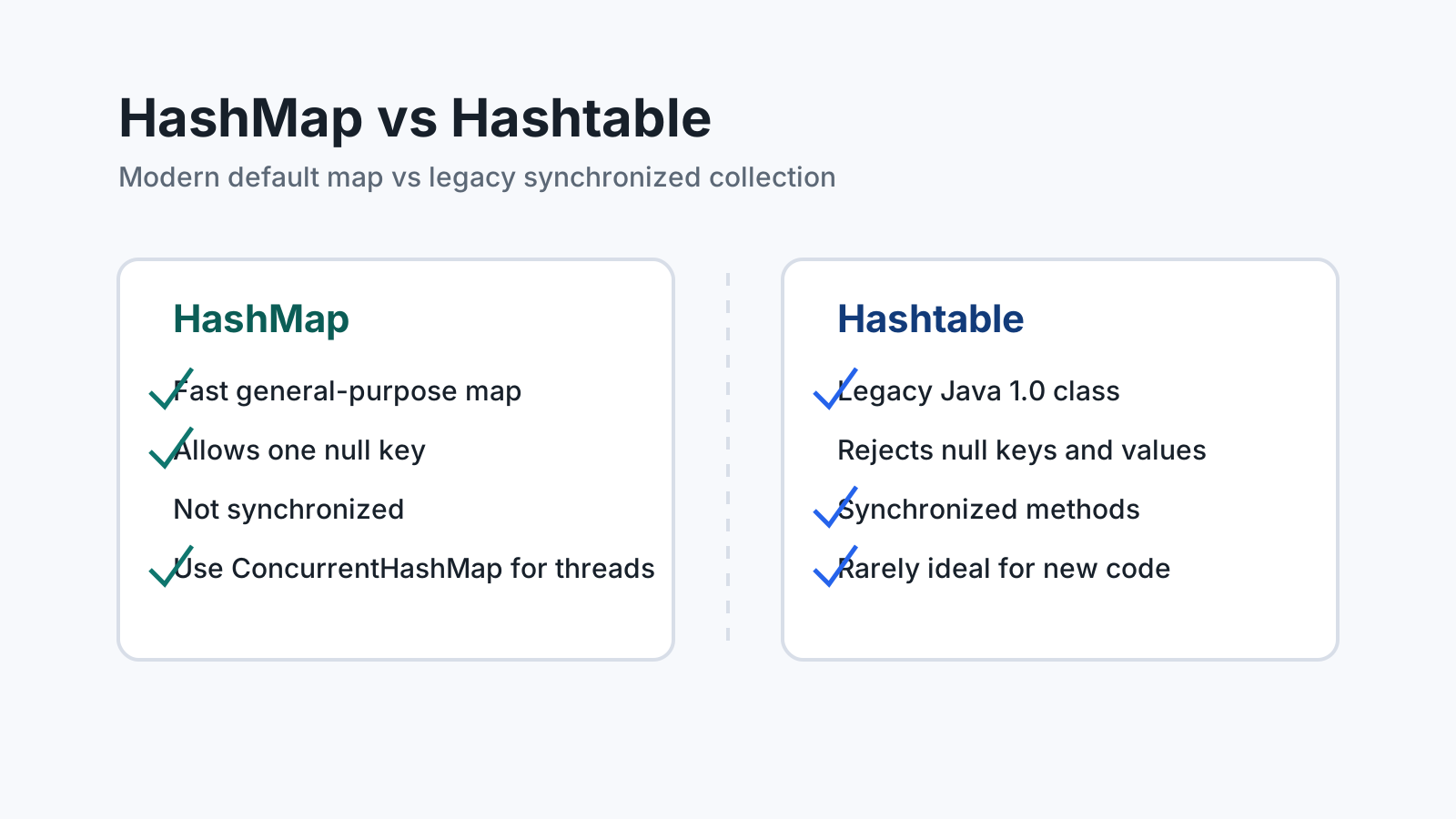
Hashtable is synchronized, rejects null, and is considered a legacy collection. HashMap is unsynchronized, allows one null key, and is the standard general-purpose map for modern Java code.
Quick comparison
| Feature | HashMap | Hashtable |
|---|---|---|
| Introduced | Java 1.2 Collections Framework | Java 1.0 legacy class |
| Thread safety | Not synchronized | Synchronized methods |
| Null keys and values | Allows one null key and multiple null values | Does not allow null keys or values |
| Iterator behavior | Fail-fast iterator | Fail-fast iterator on collection views, legacy enumeration also exists |
| Typical use | General-purpose map | Legacy code compatibility |
| Modern alternative for concurrency | ConcurrentHashMap | Usually not recommended for new code |
Basic usage
A HashMap stores values by key and is the default choice for request-scoped lookup tables, grouping logic, caches inside one method, and many everyday Java tasks.
Map<String, Integer> scores = new HashMap<>();
scores.put("alice", 42);
scores.put("bob", 37);

Integer aliceScore = scores.get("alice");
A Hashtable looks similar at first glance:
Hashtable<String, Integer> legacyScores = new Hashtable<>();
legacyScores.put("alice", 42);
The similar API is one reason the difference can be confusing. The runtime behavior and modern recommendation are not the same.
Synchronization
Hashtable synchronizes most public methods. That sounds convenient, but it often creates coarse-grained locking. Every read and write competes for the same monitor, which can become expensive under concurrent access.
HashMap does not synchronize access. If multiple threads mutate the same map, external synchronization is required. In modern code, ConcurrentHashMap is usually a better choice because it is designed for concurrent reads and updates.
Map<String, Integer> counts = new ConcurrentHashMap<>();
counts.merge("login", 1, Integer::sum);
This does not mean every map should be concurrent. If a map is local to one request, one method, or one thread, a plain HashMap is usually simpler and faster.
Null handling
HashMap allows one null key because keys must remain unique. It also allows multiple null values.
Map<String, String> map = new HashMap<>();
map.put(null, "default");
map.put("missing", null);
Hashtable rejects null keys and null values. This difference can matter when migrating legacy code because a value that was legal in a HashMap can throw a NullPointerException in a Hashtable.
In production code, allowing null values is not always a good idea. It can make map.get(key) ambiguous: did the key exist with a null value, or did the key not exist? Use containsKey when that distinction matters.
Performance and API design
For single-threaded or request-scoped data, HashMap is generally faster and easier to reason about. It is also the collection most Java developers expect to see.
For shared mutable state, do not switch to Hashtable just because it is synchronized. Prefer ConcurrentHashMap, immutable maps, or a design that avoids shared mutation.
A useful design question is: who owns this map? If one method builds it and returns a result, use HashMap. If multiple threads update it over time, use a concurrent data structure or redesign the ownership boundary.
What about Collections.synchronizedMap?
Java also provides Collections.synchronizedMap(new HashMap<>()). This wraps a map with synchronized access.
Map<String, String> syncMap = Collections.synchronizedMap(new HashMap<>());This can be useful for compatibility, but it is not the same as ConcurrentHashMap. Iteration still requires external synchronization, and the single lock can still become a bottleneck. For most new concurrent code, ConcurrentHashMap is the stronger default.
Common mistakes
The first mistake is using Hashtable in new code because it sounds safer. Synchronized methods do not automatically make a larger workflow thread-safe.
The second mistake is sharing a mutable HashMap across threads without protection. This can produce race conditions, lost updates, and unpredictable behavior.
The third mistake is storing mutable values inside a concurrent map and assuming the value itself is protected. A concurrent map protects map operations; it does not make the object stored in the map immutable or thread-safe.
Recommendation
Use HashMap for normal map usage. Use ConcurrentHashMap for concurrent workloads. Treat Hashtable as a legacy type that you may need to read, maintain, or migrate away from.
Related reading
Read Java equals and hashCode Explained for key correctness and HashMap Collision Handling Explained for bucket behavior. Read ConcurrentHashMap Explained for the modern concurrent alternative and HashMap Load Factor Explained for capacity and resizing. Use Time Complexity of Java Collections and the Big-O Cheat Sheet when comparing map operations. For the guided sequence, browse the Java Collections Learning Path.